Lite Set Up
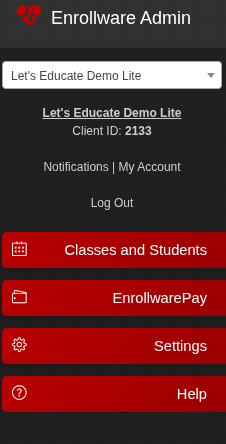
The Lite account has a quick and easy setup. Your account should have the following tabs on the left:
Classes and Students
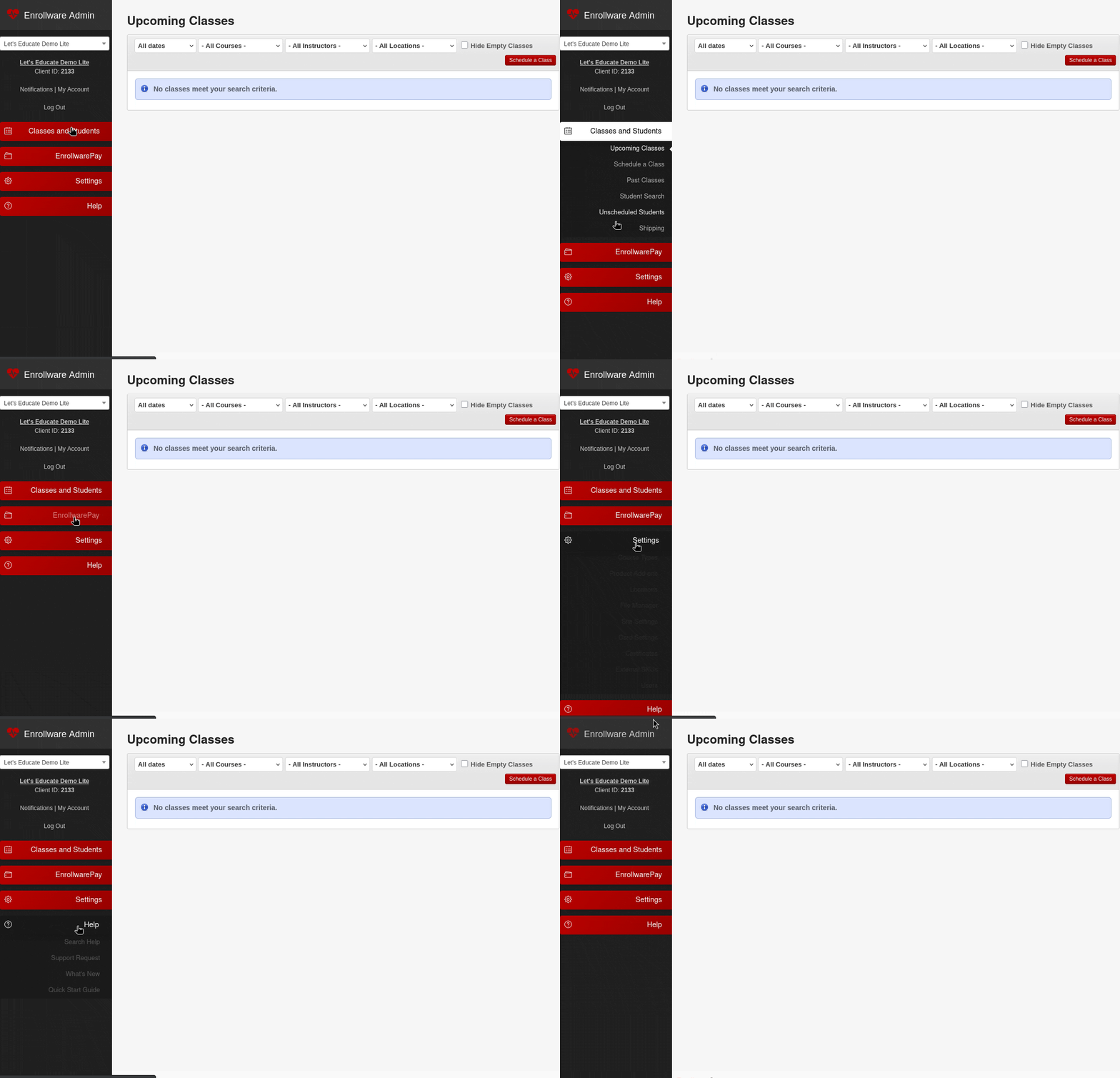
Shows your upcoming and past classes. Schedule a class, search for students, view unscheduled students, and manage shipping.
EnrollwarePay
This is where you set up your EnrollwarePay account, visit your MerchantTrack portal to view transactions, payment reports, virtual terminal, and EnrollwarePay help.
Settings
This is your configuration area for your courses, product add-ons, locations, file manager, site settings, card settings, certificates, external SKUs, and users.
Help
Assists you in finding help documents, contacting support, seeing what's new with Enrollware, and the quick start guide.
You will see more choices under the tabs that will help you set up and manage you account.
We recommend navigating to your Settings tab and adding any users first, then your courses. You can visit the following help documents to assist you along the way.