Student Receipts
Update 7/8/26 - Receipts are now emailed immediately after the Confirmation Email, not in a link.
Students who register online will automatically receive a Confirmation email with the details of the class.
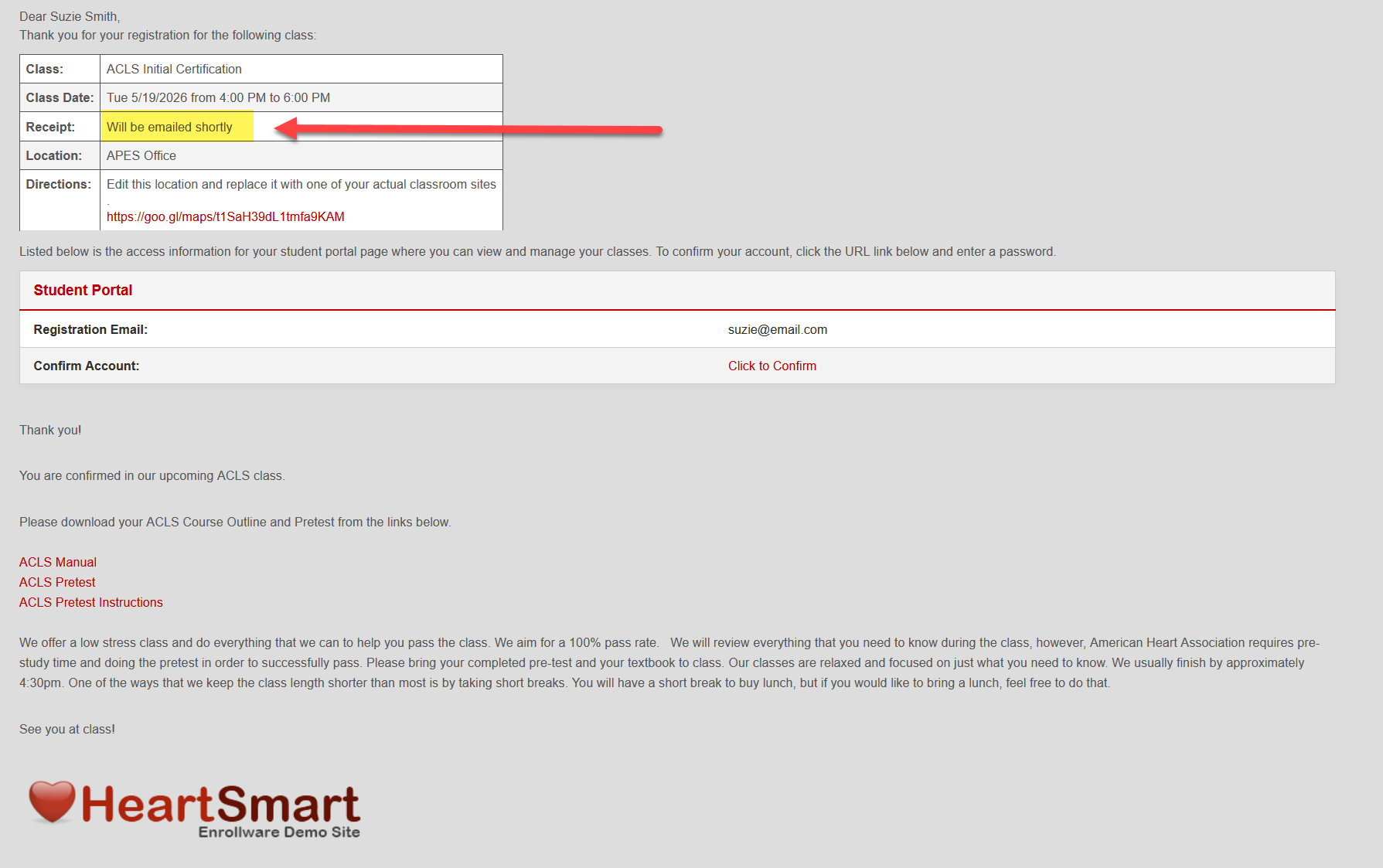
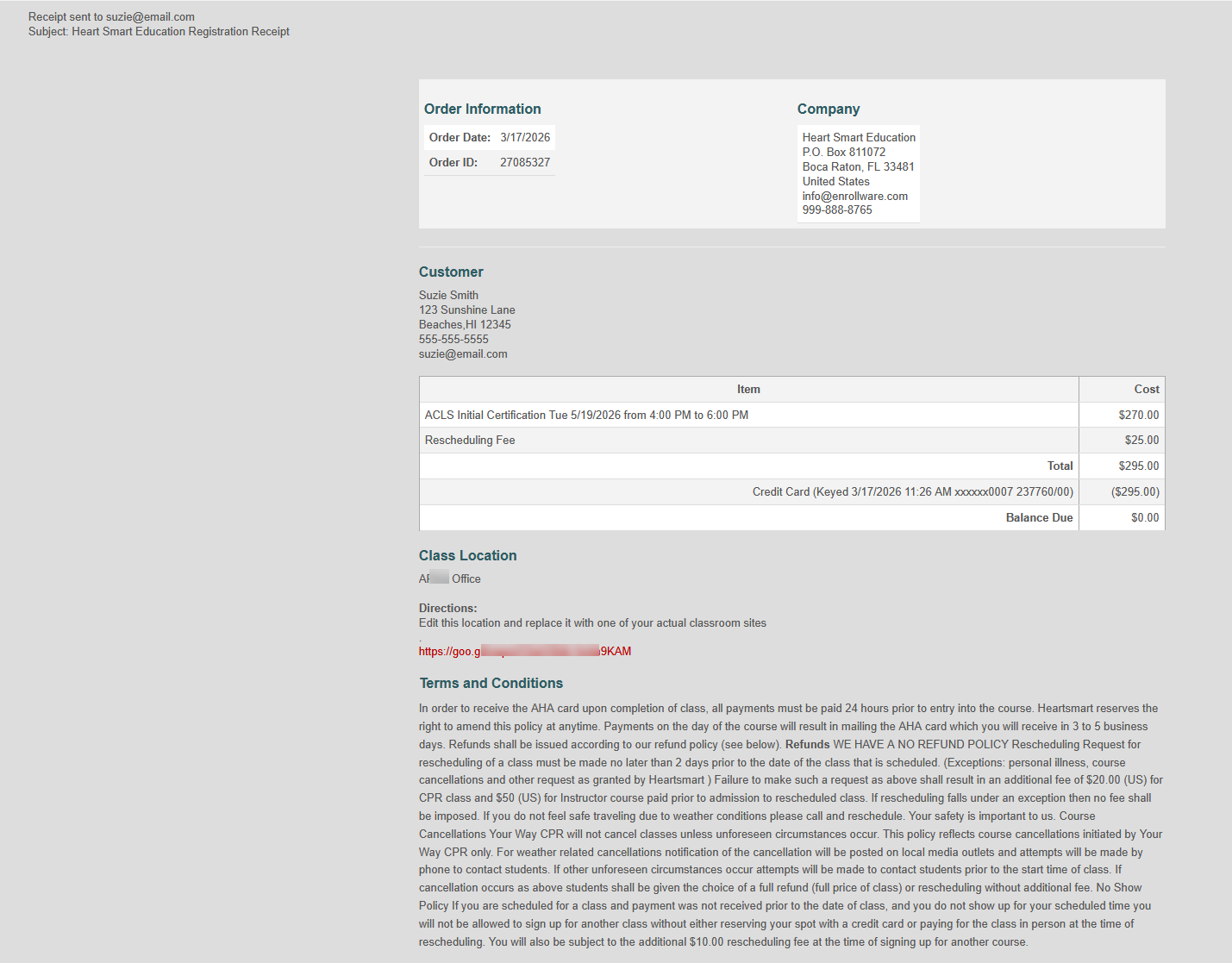
A Receipt email will immediately be sent following the Confirmation email.
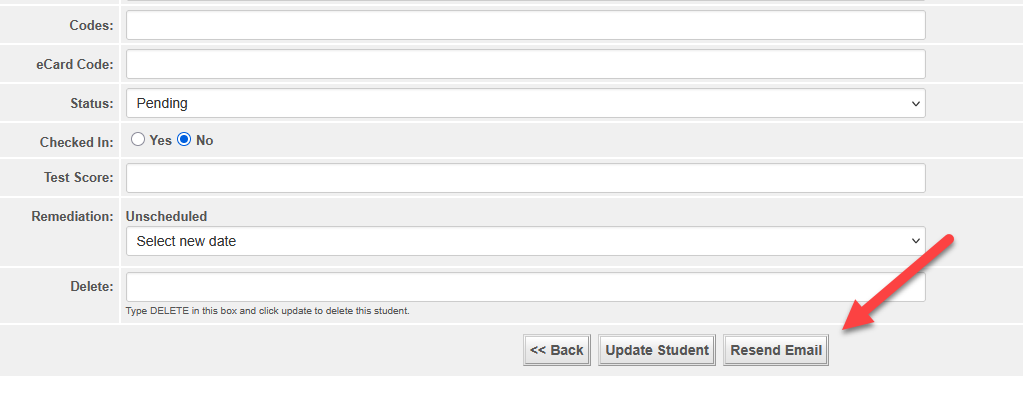
For students added manually, the Confirmation Email and Receipt Email can be sent by clicking the Resend Email button at the bottom of the Add/Edit Student page. Manually added students do not automatically receive the Confirmation and Receipt email.
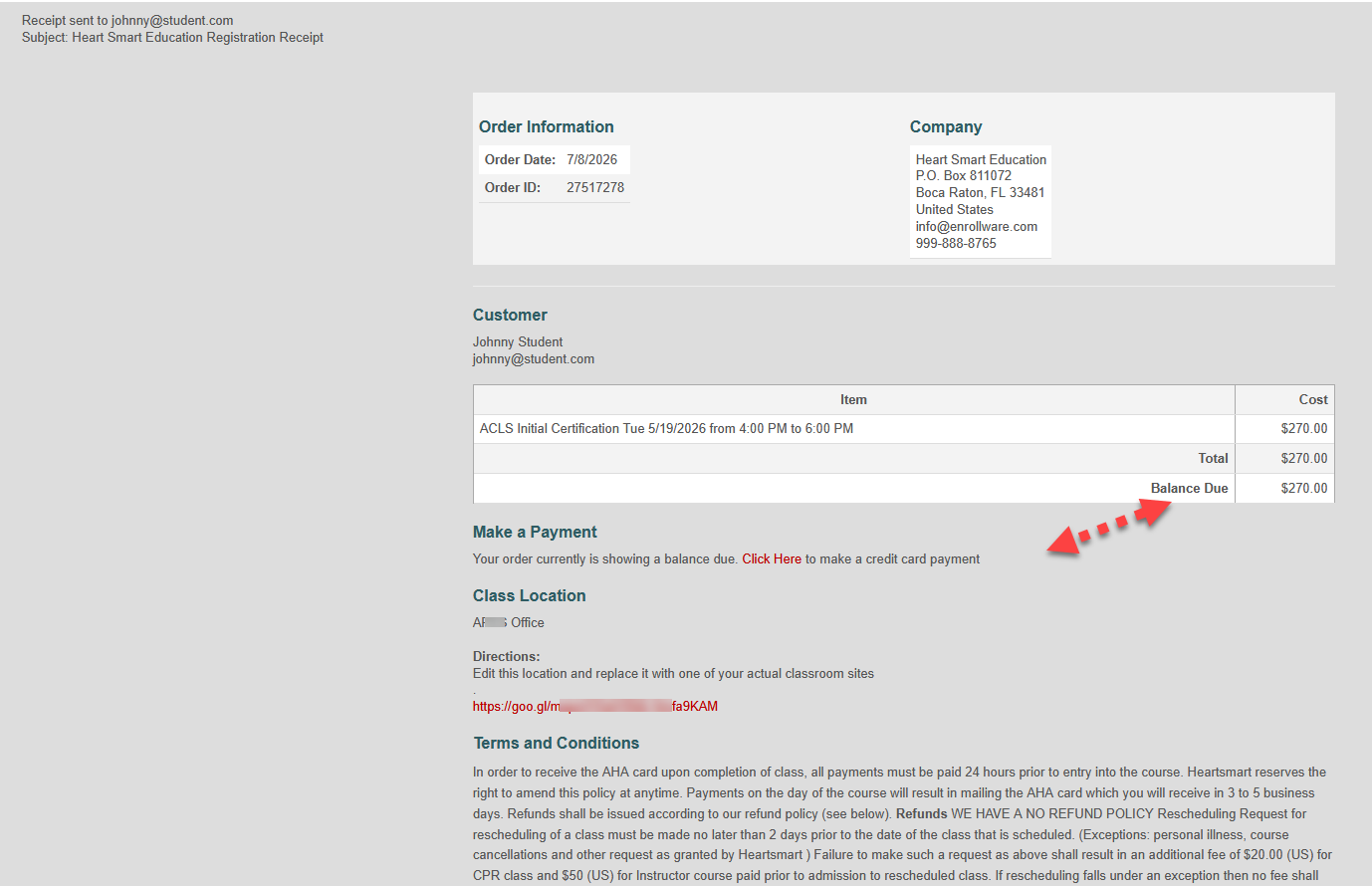
If a payment is due, the Receipt Email will display the balance and provide a link to pay. Otherwise, it will reflect the payment made.
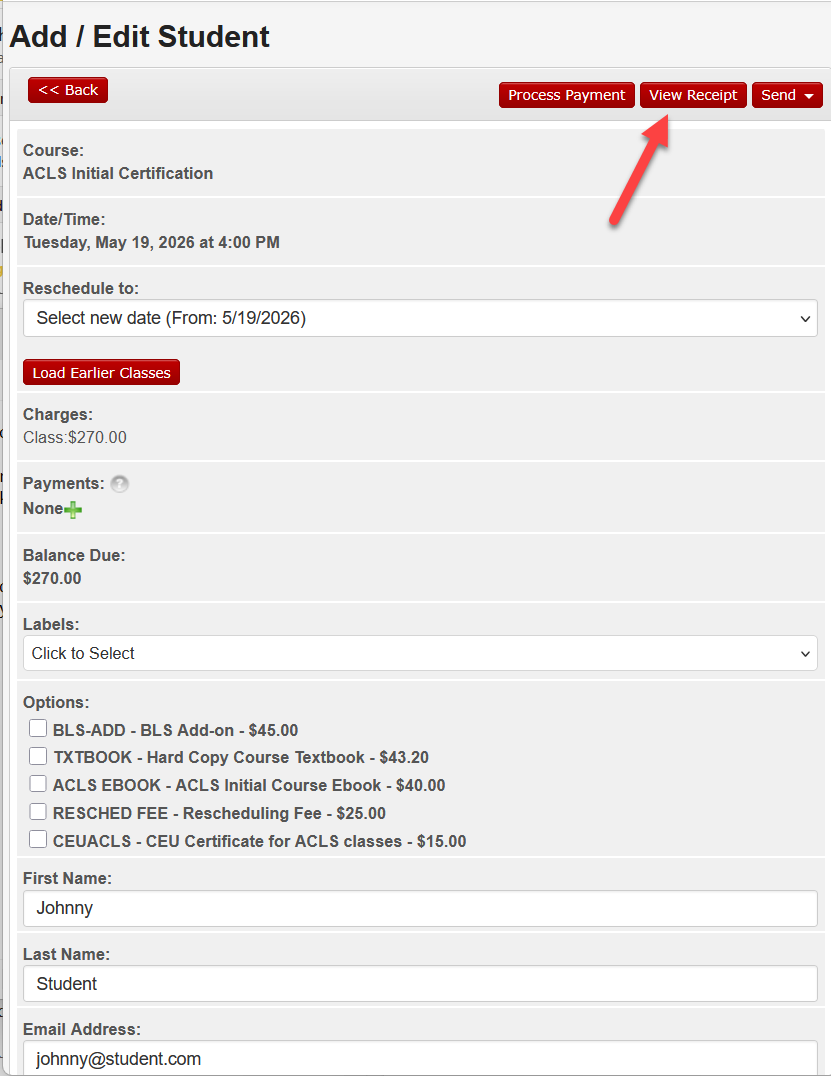
To view the Receipt, click the View Receipt button on the Add/Edit Student page.
From the receipt page, you can print to a printer or print to a PDF.
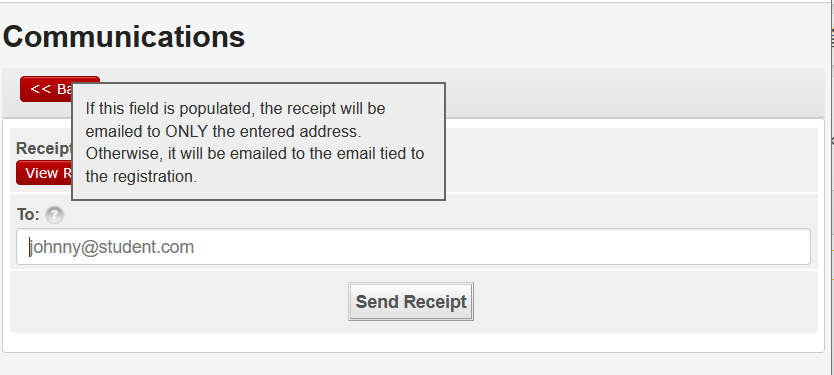
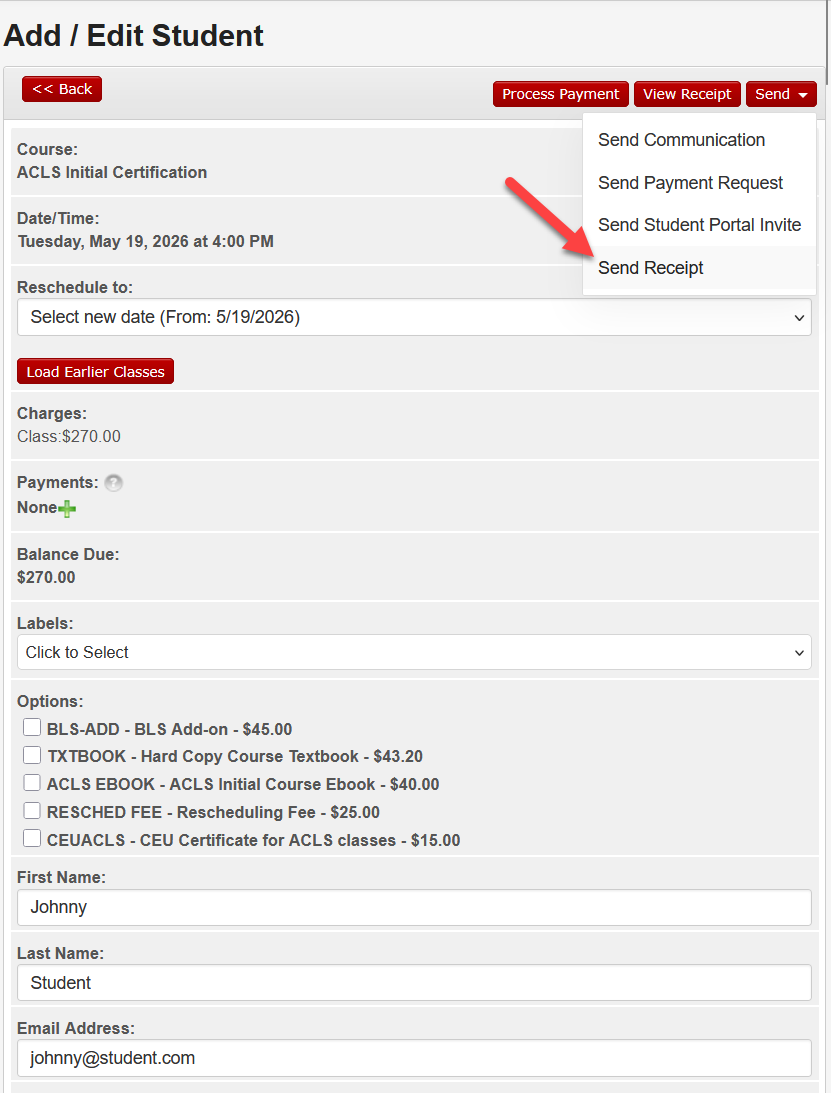
To email the Receipt, click the Send button on the Add/Edit Student page and then Send Receipt.
The Receipt defaults to the student's email address. However, you are able to replace the default email to any other email address and send.